- Quote drafted — waiting for your approval
- Overdue invoice — reminder ready to send
- Running late — text drafted for the customer
Three drafts waiting for you
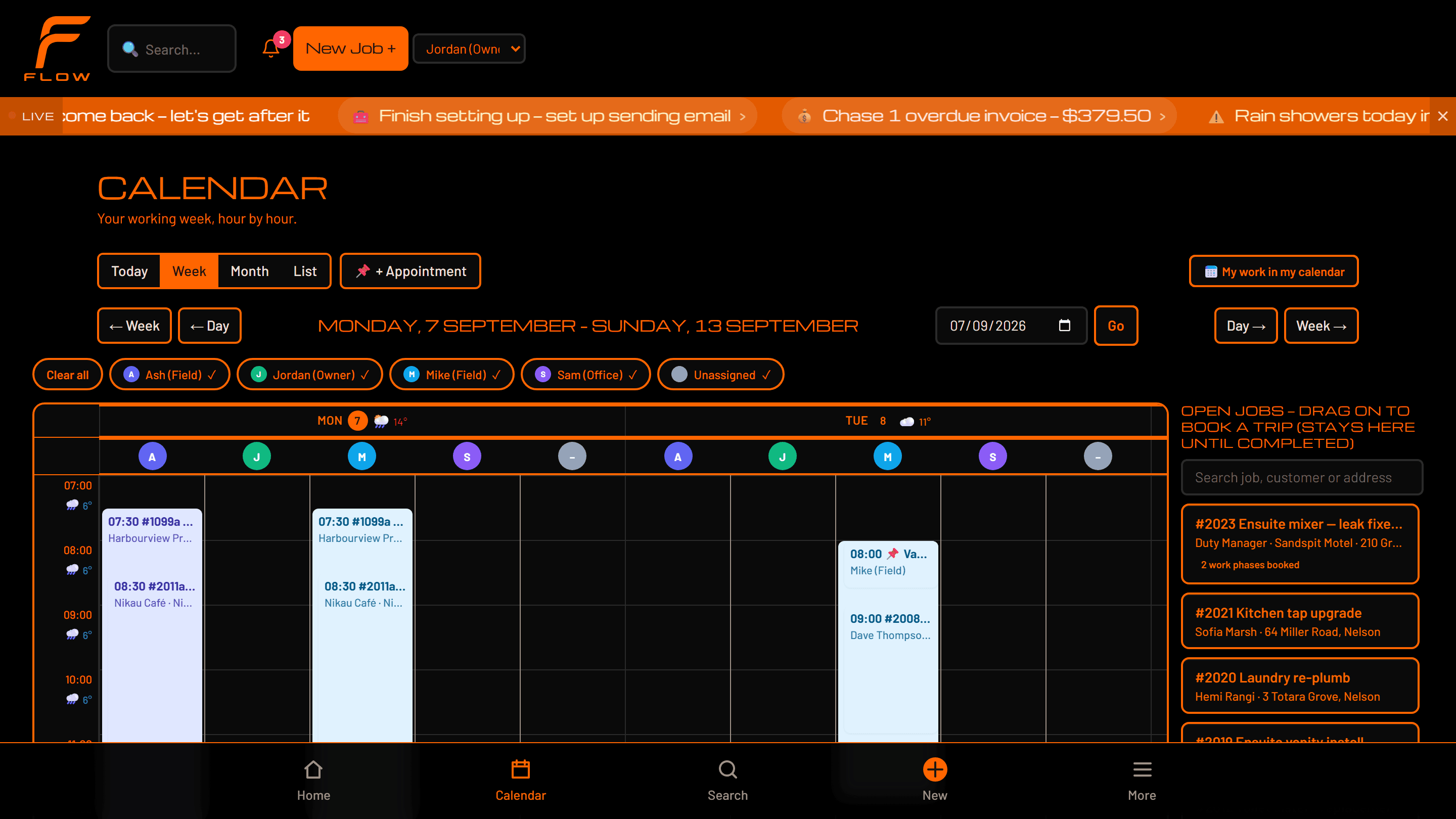

One Flow for the whole business — the office, the team on site, and Motion handling the admin around the work.
Running a Gisborne plumbing & gas business every day
Motion · drafting
Three drafts waiting for you
Every other system gives you somewhere to put the admin.
Flow does the admin. It reads the job, drafts the quote, and chases nothing — because nothing was left to chase.
Describe the job. Flow prices it against your own rates and materials, and hands you a quote to check and send.
That is one stage of a job. Watch a whole one, enquiry to paid →
You talk through the job
“Cylinder’s had it. New one-eighty litre, tempering valve while we’re there, half a day on site.”
Flow writes it down
The voice note becomes text on the job, and Flow reads which work it is — the work and the job it belongs to, not a blank form waiting for you.
It becomes a scope
Filled into this trade’s own quote sections. A gasfitter gets safety notes here; a drainlayer gets excavation and reinstatement. The sections differ because they differ in the product.
The quote is drafted
Priced against your own rates and materials, in your trade’s language. Not a template with your logo on it.
It waits for you
Nothing reaches the customer until you have read it and sent it. This is where Flow stops, every time, by default.
Held for your approval
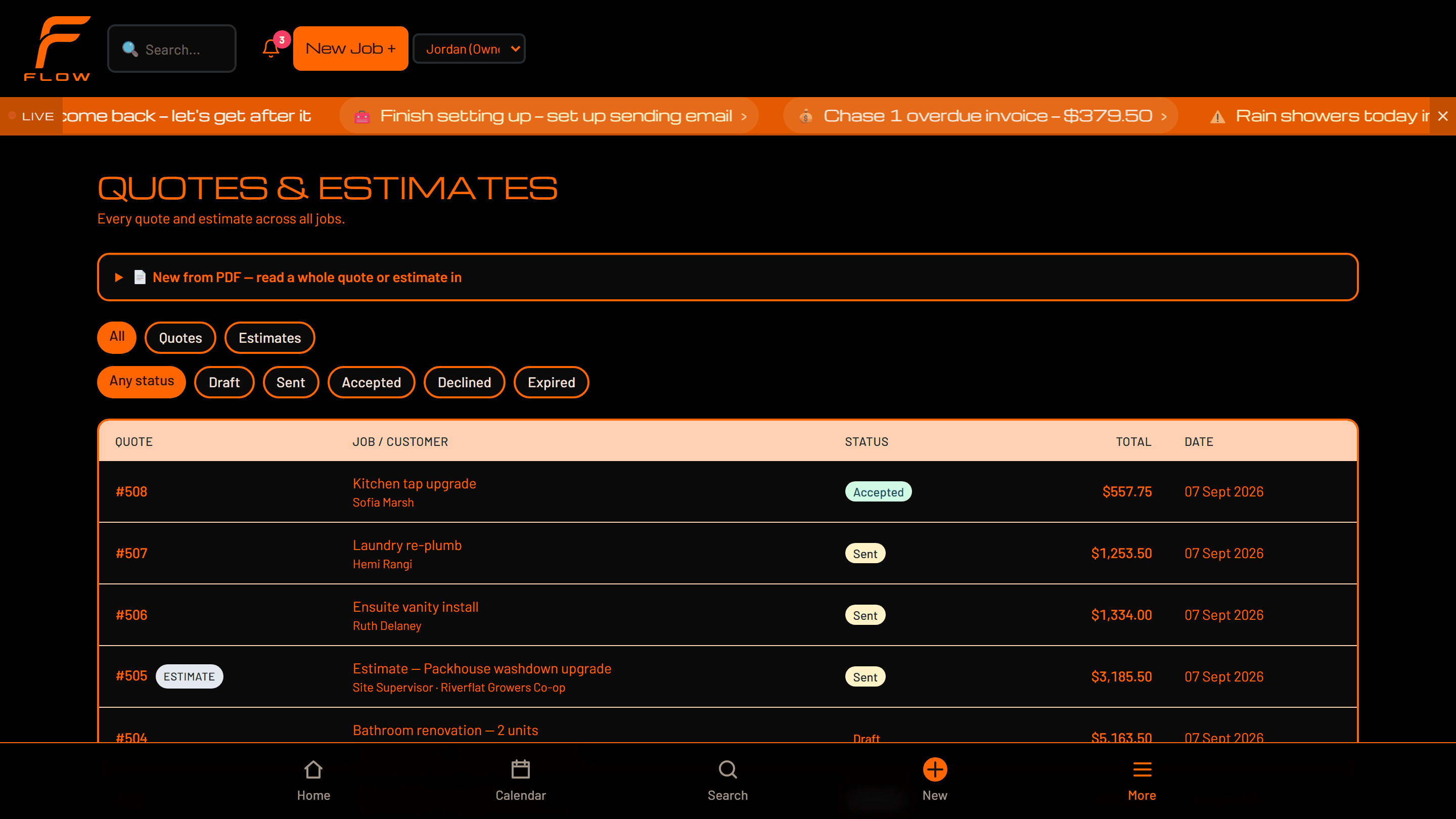
Supplier bills read themselves into line items. Work orders arrive as drafted jobs. Follow-ups, reminders and customer texts are written and waiting. You read them, you send them.
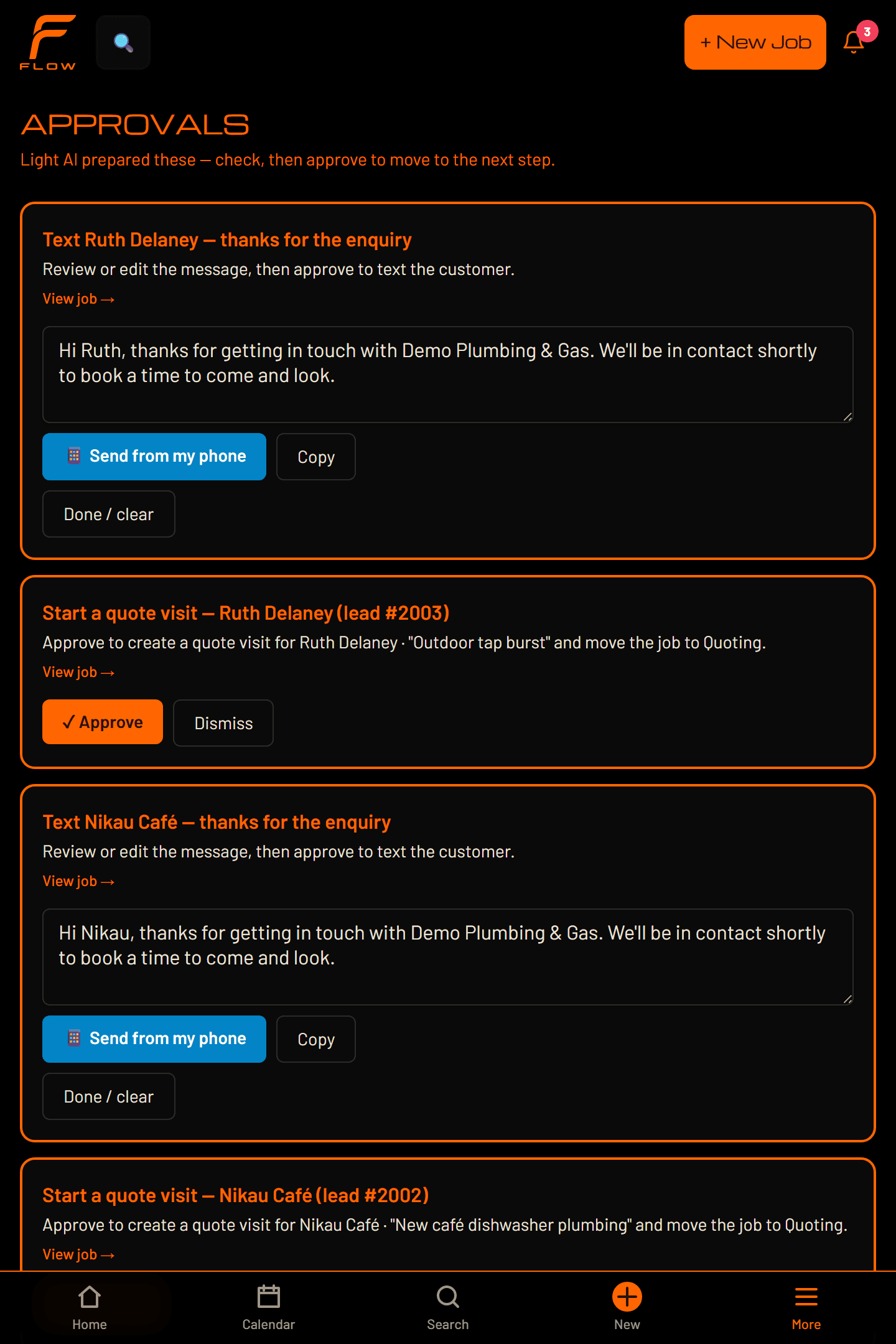
A photo, a voice note, a supplier bill, a work order, the state of the job itself.
The quote, the job, the customer text, the invoice reminder — drafted, priced and ready.
Nothing reaches a customer until you have seen it and approved it.
That loop is Motion — Flow’s intelligence, working across voice, text, photos, documents and the state of the work itself. It is not a chatbot bolted onto the side. It is the work, already done, waiting for your yes.
Motion Mode · drafting, waiting for you
How far it goes on its own is a control you move, and the default is the cautious one. How Flow thinks and prepares work →
Enquiry to getting paid, in one workflow — and the same words all the way through it. A job is a job, evidence is evidence, and an approval is an approval, whether you are laying drains or wiring a house. Nobody has to learn a different Flow, and nobody has to explain their version of it to a new hire.
One operating system, one vocabulary, one workflow that connects the field and the office. The Flow Trades workflow →
Flow runs a plumbing and gas business in Gisborne every day. Ours.
Eastland Plumbing & Gas is our own business, not a customer reference. Founding clients will speak for themselves once they’re live.
That’s the training. The on-site screen is a big timer, photos, checklists and stock — not a desktop app squeezed onto a phone. It installs to the home screen and opens like any other app.
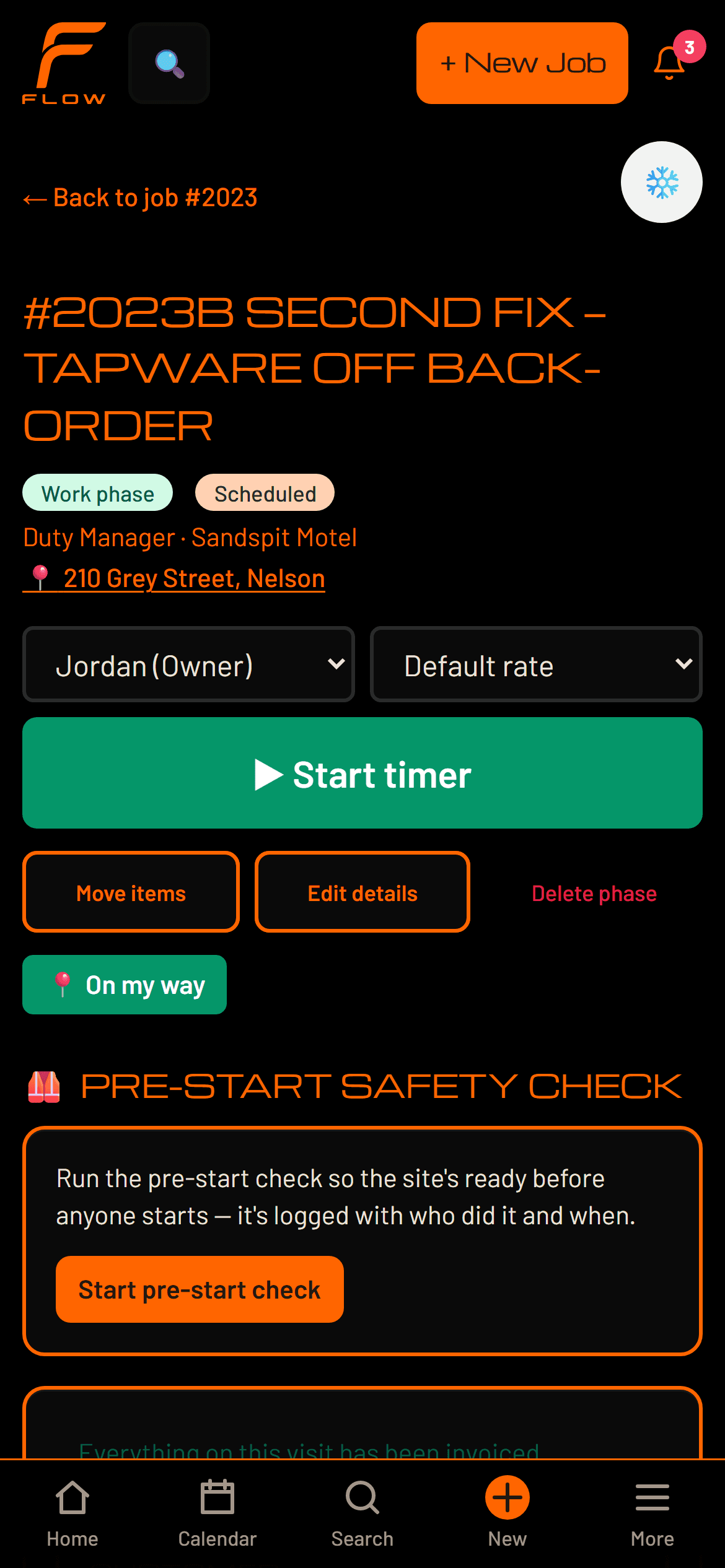
This is the whole difference, and it isn’t a feature list. One kind of software is a filing cabinet you keep up to date. The other does the work and hands it to you to check.
An enquiry arrives
Software that recordsSomeone retypes it into the system.
FlowIt is already a job, with the customer's photos on it.
A supplier bill lands
Software that recordsSomeone keys in the line items.
FlowThe bill reads itself into the job's costs.
A quote goes quiet
Software that recordsIt sits on a list until somebody notices.
FlowThe follow-up is written and waiting for you to send.
A job starts slipping
Software that recordsYou find out when the invoice looks wrong.
FlowIt is flagged while you can still do something about it.
The week fills up
Software that recordsYou work out the capacity yourself.
FlowThe hours booked are measured against the team you have.
The day ends
Software that recordsThe admin starts.
FlowThe admin is already drafted and waiting to be read.
The others charge for every person you put on. Flow doesn’t — office, apprentices, the whole team, one price. There is no AI tier, because there is no version of Flow without it. Here are three of the six things it stops you doing by hand:
From the first message to a signed quote, without anything being retyped.
The part most businesses do last, done as the work happens.
Not a chart to interpret. The few things worth your attention today.
We’ll talk you through the number on the demo, once we’ve seen how you work.
Underneath
It is one universal product with a workflow configuration on top. Trades is the first proven one, which is why it fits your trade so exactly — and why it is not the only shape of work it could hold. What Flow is underneath →
Beyond the software
We can map your current operation, rebuild it inside Flow, and improve it with AI, automation and better workflows.
Twenty minutes. We’ll take one of your jobs from enquiry to invoice, and you can ask anything.